Pixel Inspector
A downloadable utility for Windows
Pixel Inspector – Native Pixel Zoom & Colour Extraction Tool
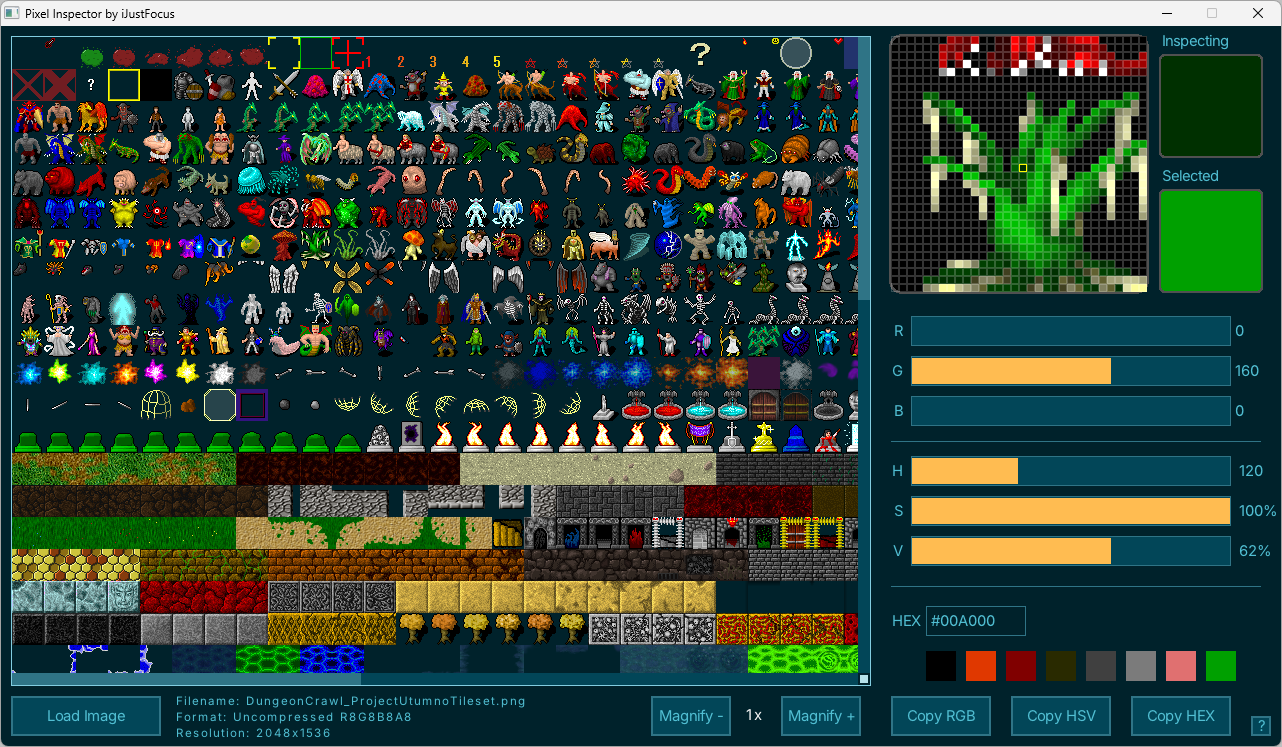
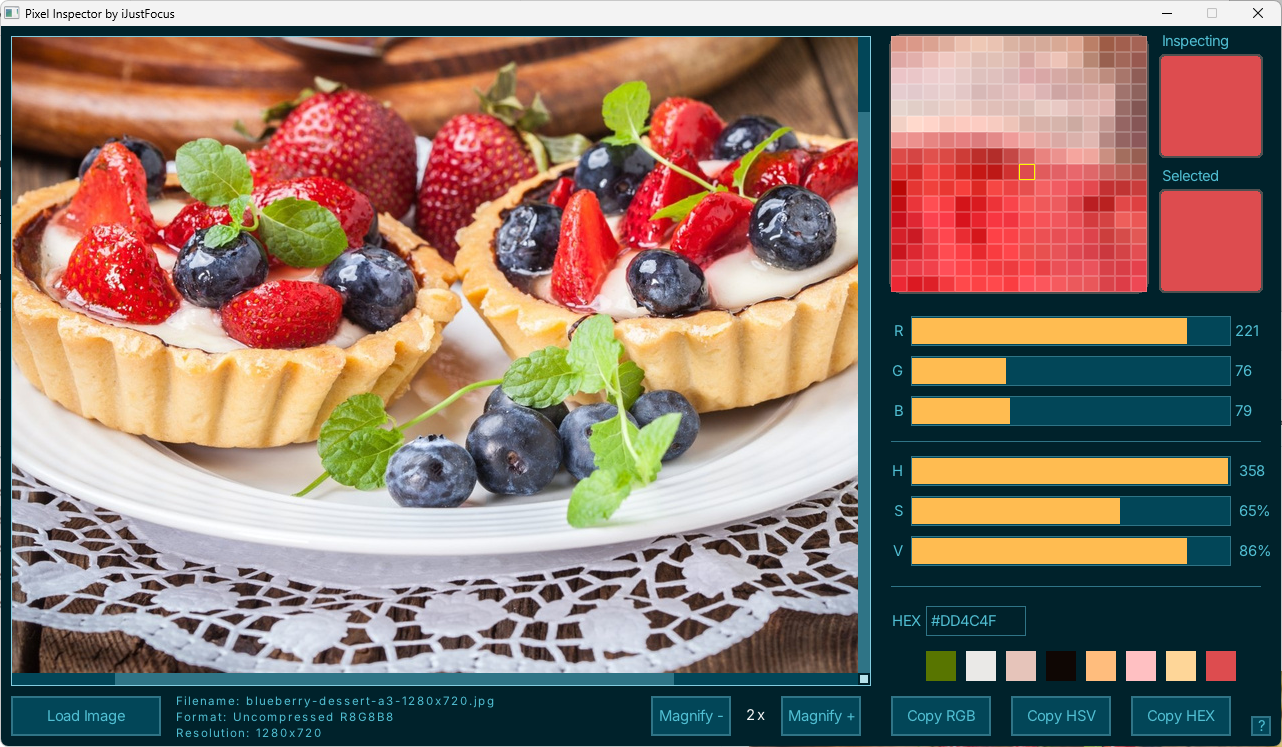
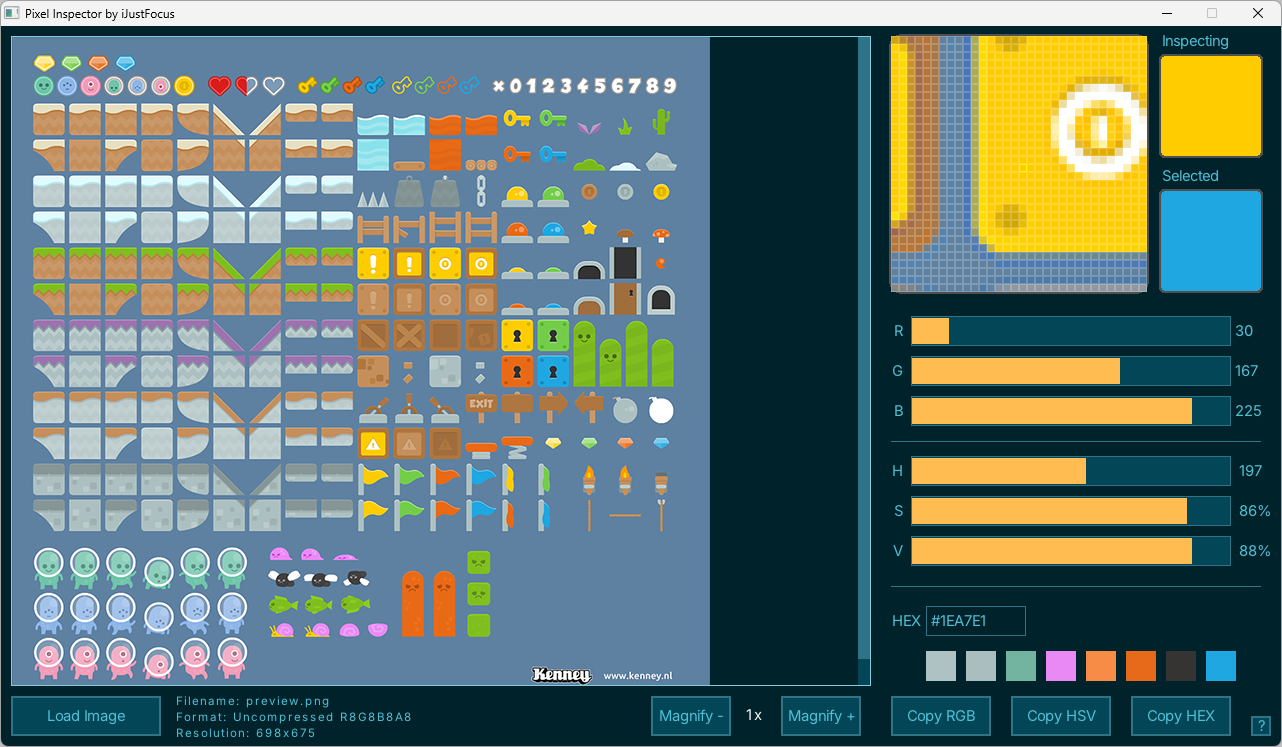
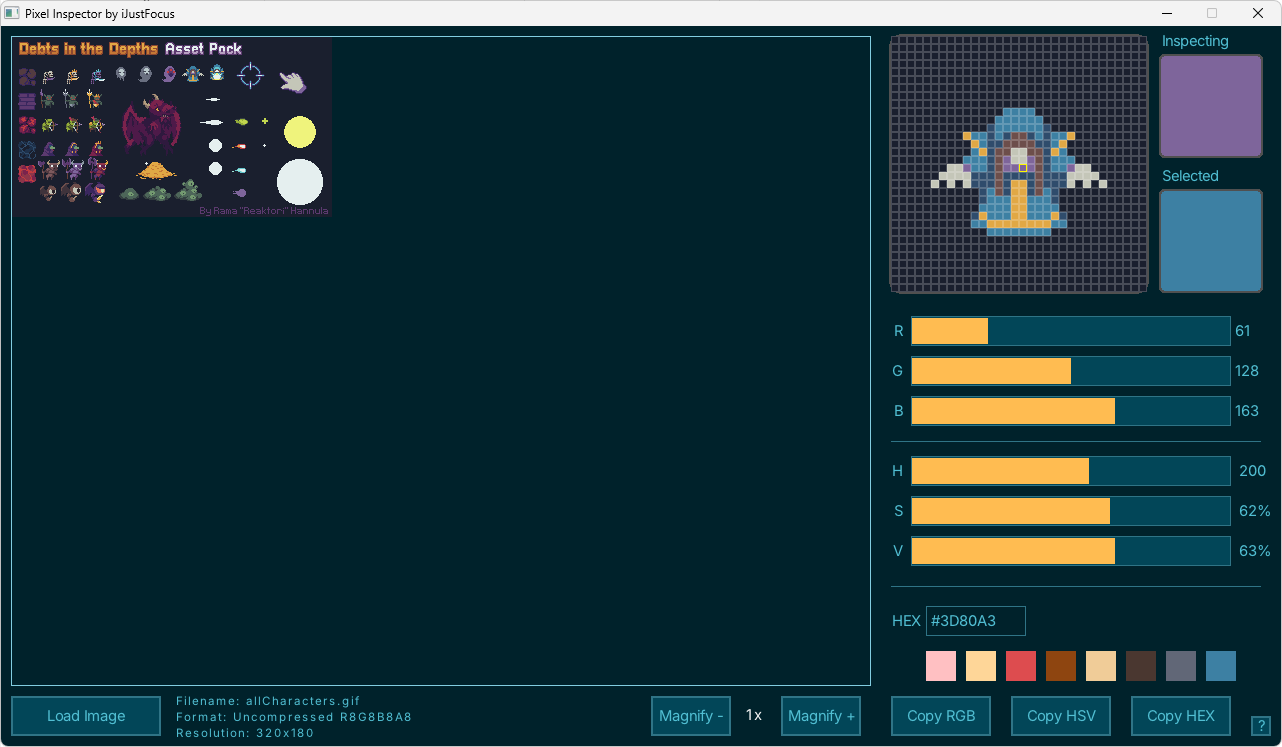
Pixel Inspector is a tiny, native micro‑tool designed for pixel artists, game developers, and UI designers. Load an image, zoom into individual pixels, and instantly extract accurate colour values. The magnifier makes detailed inspection effortless, while the colour system keeps HEX, RGB, and HSV perfectly in sync.
What Pixel Inspector Does
- Loads images and extracts pixel colours directly from them.
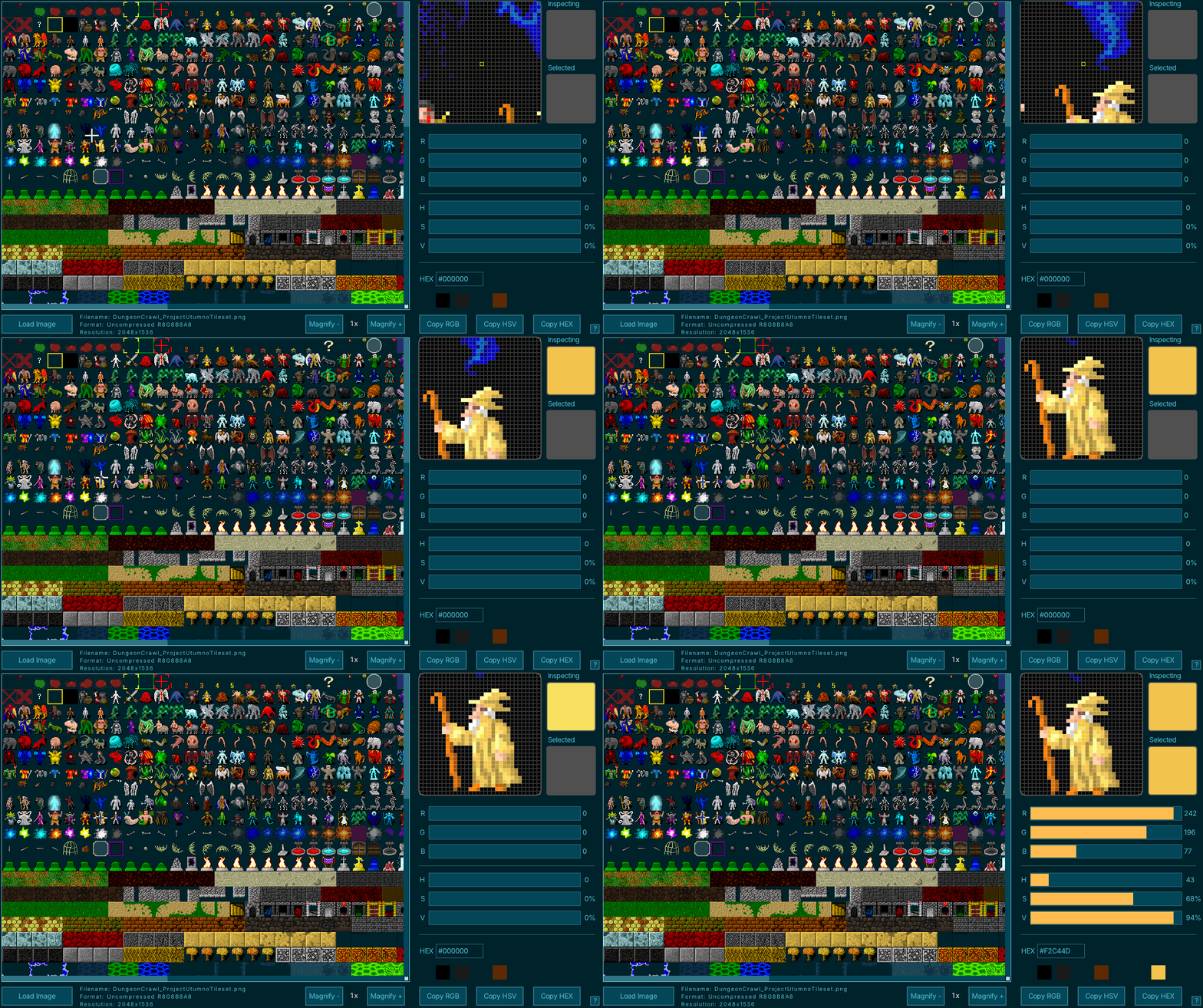
- Magnifies pixels with a clean zoomable view for precise inspection.
- Samples colours by clicking on any pixel in the image.
- Displays colour values in HEX, RGB, and HSV formats.
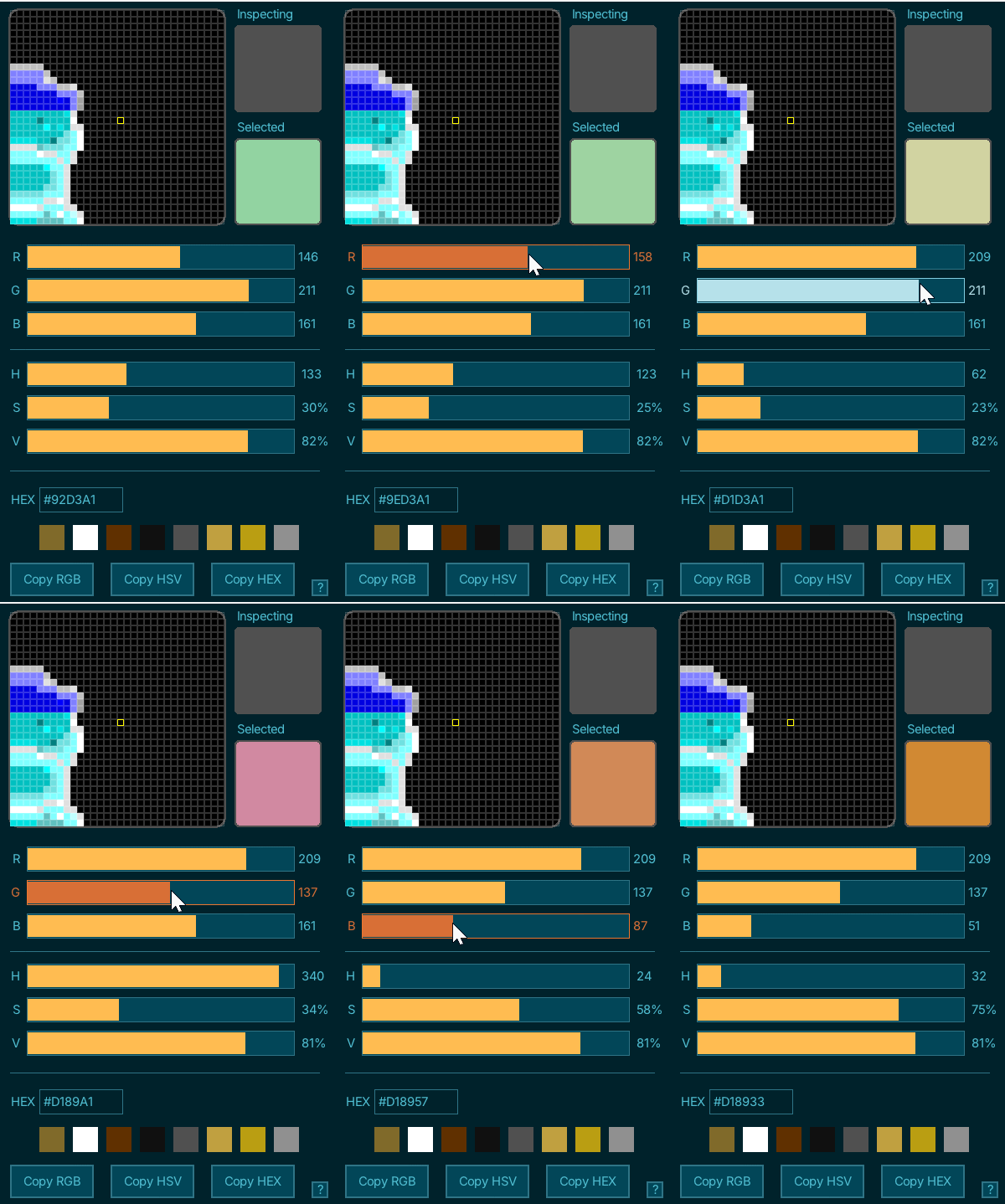
- Synchronises inputs — updating any slider or HEX field automatically updates the others.
- Copies HEX, RGB and HSV codes with one click for use in your workflow.
Key Features
- Zoomable magnifier: Inspect pixel‑level detail with adjustable zoom.
- Accurate colour extraction: Read the exact colour of any pixel in your image.
- HEX → RGB → HSV auto‑conversion: Change one value and the rest update instantly.
- Copy colour values: Use the Copy HEX, Copy RGB, and Copy HSV buttons to quickly copy any format.
- Simple UI: Fast, lightweight, and distraction‑free.
- Offline: No accounts, no telemetry, no internet required.
Who It's For
This micro‑tool is ideal for:
- Pixel artists who need precise colour control.
- Game developers working with sprites, tiles, and low‑resolution assets.
- UI designers who care about crisp edges and exact colour values.
- Anyone who needs a fast, native colour inspection tool.
How to Use
- Download the build for your platform.
- Extract the ZIP file.
- Run the executable.
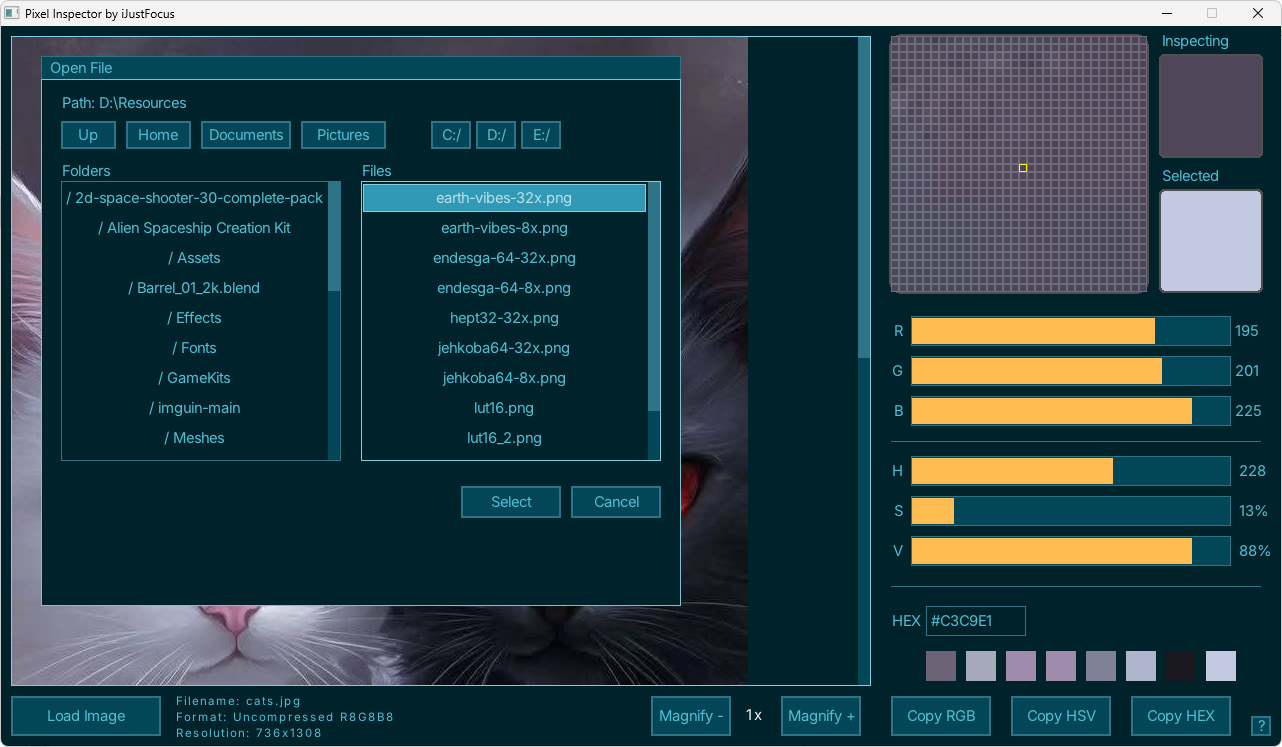
- Load an image from your computer.
- Move the magnifier over the image to inspect pixels.
- Click a pixel to sample its colour.
- Edit HEX, RGB, or HSV values — all fields update automatically.
- Copy HEX codes directly for use in your project.
Notes
- Pixel Inspector does not load palettes.
- It focuses entirely on pixel magnification and colour extraction.
- All colour conversions are handled internally and update in real time.
Support & Feedback
If you enjoy Pixel Inspector or want to see more micro‑tools like this, consider leaving a rating, comment, or optional donation. Your feedback helps guide future improvements.
Download
Click download now to get access to the following files:
Development log
- Pixel Inspector Launched!1 day ago
Leave a comment
Log in with itch.io to leave a comment.